
For veterinary practice owners and managers
A clearer financial picture for your veterinary practice.
Bring production, collections, and payroll into one view, so owners and managers can understand what changed and what needs review.
Revenue, labor, and source context. One practical review.
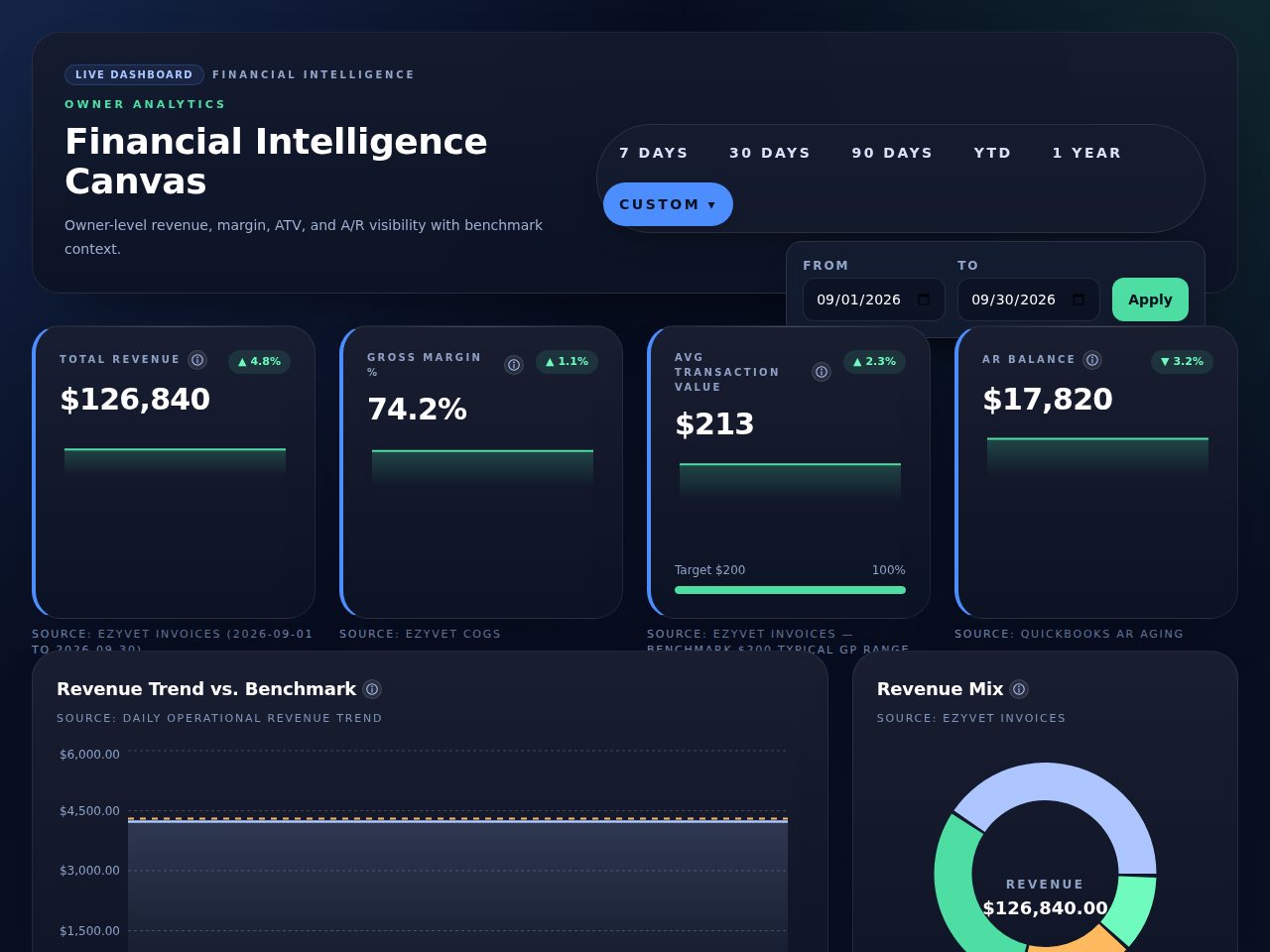
Actual product interface · synthetic sample data · September 2026. Static screenshot; explore the guided tour below.
Open full screenshotStart with the questions owners actually ask.
Financial review works better when every number has a source, a period, and a useful next question.
01
Are collections keeping pace?
Compare production and payment context. Review outstanding balances and timing before treating a gap as lost revenue.
02
How is labor changing?
Understand labor cost, hours, and revenue together. Check pay-rate coverage before drawing conclusions.
03
Which exceptions need attention?
Review missing mappings and freshness warnings before discussing what to do next.
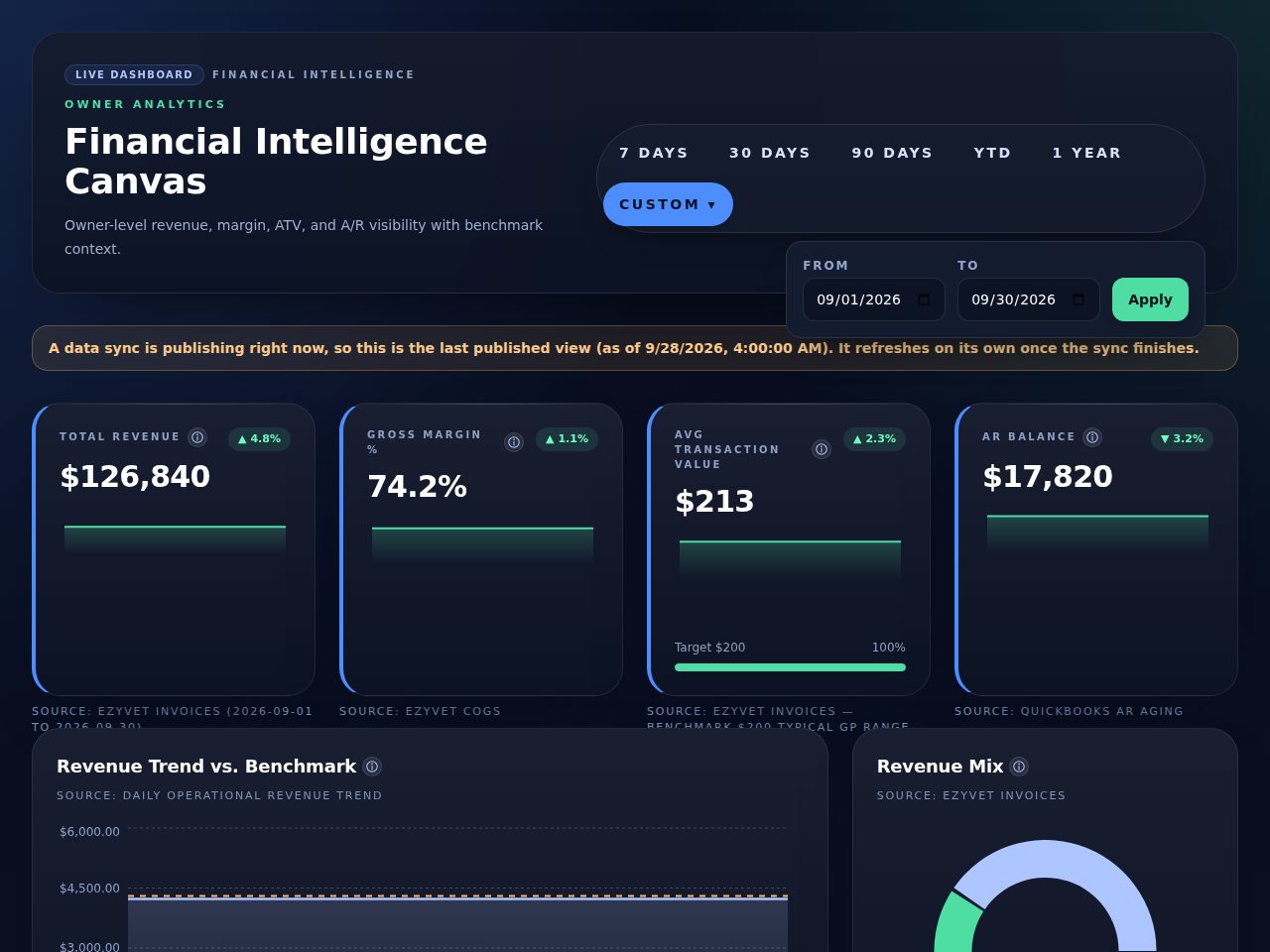
Synthetic sample data. Freshness warnings change how a number should be interpreted.
Open full screenshotProduct, with context
Know what you’re looking at before you act.
Revenue, receivables, and labor views answer different questions. The product tour connects each view to its source, interpretation, and follow-up.
Explore the product tourA practical revenue round
From a change in the numbers to a useful conversation.
01
See what changed
Start with the reporting period, revenue trend, collections, and labor context. A movement in a metric is a question to investigate.
02
Check the underlying data
Look at the source, reporting range, and last update. Check category mappings before comparing periods.
03
Identify what needs review
Review receivables, missing pay rates, mapping gaps, and stale data in context. Avoid decisions based on incomplete inputs.
04
Discuss the next action
Agree on a follow-up with your practice manager, bookkeeper, or accountant. Return to the same reporting window to review progress.
Start with the systems you already use.
Check connection requirements and refresh behavior for your practice. Provider approval and setup vary by system.
Clear scope. Clear expectations.
- Will it work with my systems?
- ezyVet and QuickBooks Online have implemented connection paths that need a practice-specific setup check. Xero requires current connection verification. Native Gusto is unavailable in the current interface; ADP requires provider approval and production provisioning. Check integrations before choosing.
- How often does data refresh?
- Refresh is scheduled by source. A scheduled run is not a guarantee that every view has current data. Source status and dashboard freshness should be checked before a financial review.
- How is pricing handled?
- Pricing is custom. Describe your practice and required connections so the conversation can cover subscription scope, setup, and support before you commit.
Next step
Bring your questions. We’ll walk through the numbers.
See the product, discuss your systems, and understand what setup would involve. This request starts a conversation; it does not book a calendar slot.